Incomplete Orders vs. Abandoned Carts: Strategic Revenue Recovery Guide
Don't treat all lost sales the same. Learn the critical difference between abandoned carts and incomplete orders to implement high-speed revenue recovery.
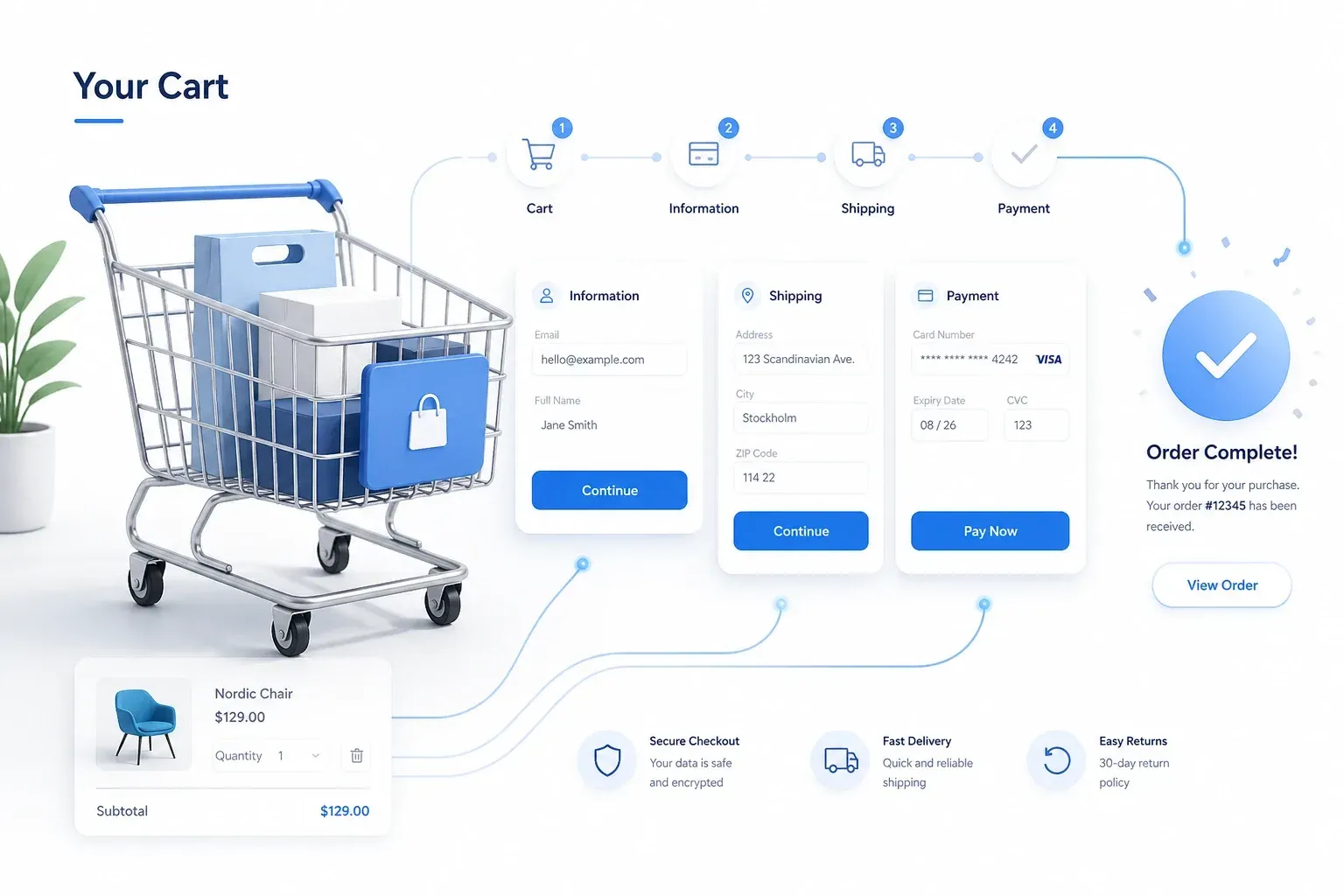
In the high-stakes world of B2B and Enterprise eCommerce, there is a critical distinction between an "abandoned cart" and an "incomplete order." Understanding this difference is the key to recovering lost revenue and building a more resilient, autonomous business. This deep dive explores the technical and procedural failures that lead to incomplete orders, the role of transactional integrity in recovery, and the ROI of proactive order management.
I. Abandoned Cart vs. Incomplete Order: The Strategic Divide
An abandoned cart is typically a marketing challenge—a customer browsing without the immediate intent to buy. They may be comparing prices or simply window shopping. An incomplete order, however, is often a technical or procedural failure. In a B2B context, this is a customer who intended to buy but was stopped by a system friction.
Common causes of incomplete B2B orders include:
Credit Limit Issues: The customer's available credit in the ERP was insufficient, and the storefront failed to provide an alternative path (e.g., pro-forma invoice).
Failed ERP Sync: A real-time price check or stock validation timed out, causing the checkout flow to hang.
Complex Approval Workflows: A multi-level internal approval process was initiated but never completed due to a lack of automated reminders or systemic friction.
While marketing teams focus on "retargeting" abandoned carts with generic discounts, engineering and operations teams must focus on ensuring Transactional Integrity for incomplete orders. A lost order due to technical friction is a direct hit to the bottom line that no amount of marketing can fix.
II. Transactional Integrity and Architectural Resilience
To recover these orders, your platform must maintain integrity even when backend systems are under heavy load or offline for maintenance. A resilient architecture (utilizing an orchestration layer like Zaproo.Flow) ensures that the order intent is captured and validated against a Materialized State of business rules.
Key Recovery Strategies:
Automated Fail-safe Logic: Ensuring that order data is buffered and retried automatically until the ERP synchronization is successful. This prevents data loss and ensures that the customer's intent is fulfilled as soon as connectivity is restored.
Real-time Telemetry and Observability: Using tools like Grafana and Prometheus to identify systemic bottlenecks in the checkout flow before they impact a large volume of users. If a specific payment method or shipping rule is causing failures, the system should alert the engineering team instantly.
Intelligent Escalation: Triggering automated Slack alerts or CRM tasks for sales teams when a high-value B2B order remains incomplete. This allows for a human-in-the-loop intervention to resolve credit or approval issues before the customer turns to a competitor.
III. The ROI of Proactive Recovery: Measurable Impact
Moving from reactive to proactive order management delivers measurable financial returns. Based on our experience across multiple Enterprise implementations, businesses can recover up to 15–20% of previously lost revenue by implementing autonomous recovery workflows (Zaproo internal benchmark).
Furthermore, research by Google and Deloitte confirms that sub-second responsiveness and a friction-free checkout experience are directly correlated with higher conversion integrity and long-term customer trust [2]. In B2B, where individual orders can be worth tens of thousands of dollars, the ROI of fixing a single checkout bottleneck can pay for the entire modernization project in a matter of months.
IV. Conclusion: Engineering for Certainty
In 2026, an incomplete order is a signal of architectural fragility. By building a resilient foundation that prioritizes transactional integrity and autonomous recovery, B2B enterprises can ensure that every customer intent is captured and fulfilled. It is time to turn technical friction into recovered revenue and build a business that is engineered for certainty. Profitable growth is not just about attracting new customers, but about ensuring that every existing intent is successfully converted.
References & Bibliography
[1] Zaproo Internal Benchmark. Based on revenue recovery results from 20+ Enterprise B2B implementations. [2] Google and Deloitte (2020). Milliseconds Make Millions. (Analysis of technical performance impact on digital conversion and trust). [3] Gartner (2025). Predicts 2026: Cyber Resilience. (Focus on isolation and transactional integrity in distributed systems). [4] McKinsey & Company (2023). The Price of Technical Debt. (Analysis of how legacy checkout flows hinder operational scalability and revenue capture). [5] Harvard Business Review (2024). The Economics of Friction in B2B eCommerce. (Analysis of how procedural barriers impact enterprise valuation).